
In this post, I cover updating R packages in RStudio. You have a few options for updating your R packages in RStudio.
(Option 1) From the menu, select Tools -> “Check for Package Updates”
You will get this message if all packages are up-to-date:

(Option 2) From the Packages tab in the bottom-right pane, click on “Update”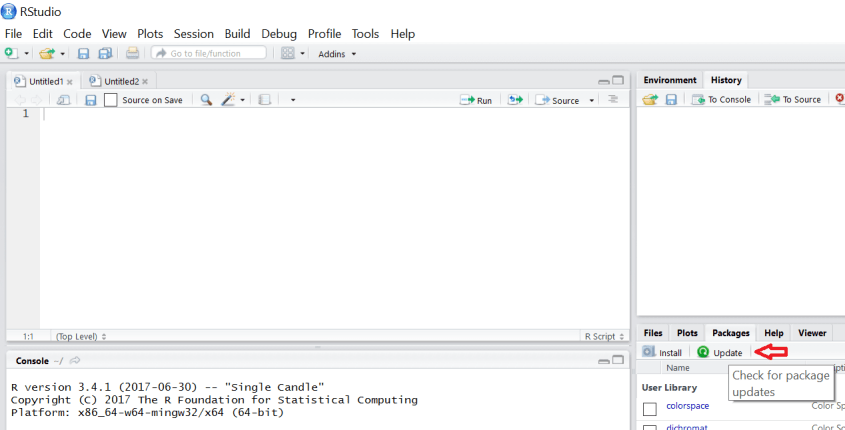
(Option 3) Execute the command update.packages()

You may see output like this …

Enter “y” to update, “N” to not update, and “c” to cancel.
Thanks for reading!
 The Data Community