
Have you noticed weird prompt values in your reports after upgrading OBIEE from 10g to 11g? Below is an example of what you might see …
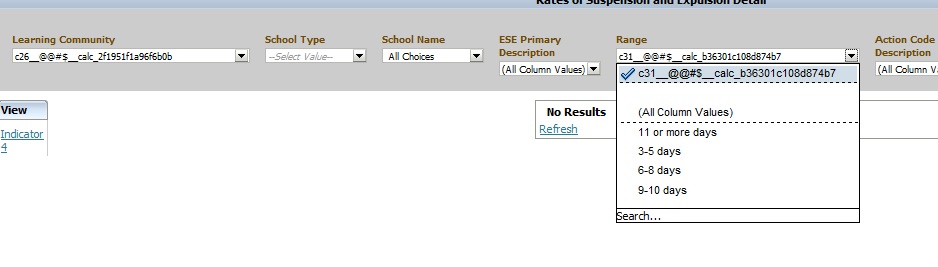
This is usually caused by calculated columns in the report. You will need to remove those columns, and then add them back to the report. And then, depending on what your calculated columns were being used for, you may want to consider using Selection Steps instead to accomplish the same logic.
If you know of another way to fix this scenario, please share.
 The Data Community
In dropdown list (all column values) are displayed..istead of that i want a text “ALL” to be displayed
LikeLike